Remote team building activities work best when they give people a clear reason to take part. The activity should be easy to join, hosted well, paced properly and connected to how the team actually works. If it relies on awkward icebreakers, forced sharing or another long video call with no purpose, people will switch off.
For UK employers, this matters because remote and hybrid work are now part of normal workforce planning. In January 2026, 38% of workers in Great Britain were working remotely or in some kind of hybrid arrangement, split between 25% hybrid and 13% fully remote. That means team connection often needs designing, rather than being left to office chats, corridor conversations or the odd Friday call.
This guide sets out how to choose remote team building activities that feel natural, including the formats that tend to work, the planning details that make a difference and the points HR teams should consider before adding another session to the diary.
Why remote team building can feel awkward
Most remote team building falls flat for one of three reasons: the activity has no clear purpose, the format puts people on the spot, or it feels like extra screen time after a full day of meetings.
That does not mean remote socials are a bad idea. It means the design needs to respect how people behave online. A quiet colleague may enjoy a team challenge but hate being asked to reveal a personal fact in front of 40 people. A busy sales team may enjoy a fast quiz at the end of the day, while a project team may get more from a problem-solving activity that mirrors how they make decisions.
Good remote team building has a simple brief. It might help new starters meet colleagues, reconnect a dispersed department, thank people after a busy quarter or support a wider engagement plan. Once the purpose is clear, it is easier to choose the right format and avoid gimmicks.
The strongest sessions also have a host. A good host keeps the pace moving, explains the rules clearly, draws people in without embarrassing them and gives the group permission to relax. That role is hard to do well while also being the HR lead, line manager and technical support person.
Activity formats that feel more natural online
The safest starting point is to choose activities where the interaction sits inside the task. People should not have to manufacture conversation. The challenge should create the conversation for them.
- Hosted quiz formats work well when questions are varied and teams can confer in smaller breakout groups. Add picture rounds, audio rounds or company-safe topical rounds, but avoid in-jokes that exclude new starters.
- Virtual escape rooms give remote teams a shared problem to solve. They suit groups that like puzzles, roles and time pressure, especially when the host can keep teams moving without giving too much away.
- Online murder mystery events can work for sociable teams because the story gives people a reason to talk. Keep character roles optional for quieter participants and use a host who can manage the narrative.
- Remote scavenger hunts are simple and active. Give people prompts they can complete from home or the office, such as finding an object, taking a themed photo or solving a clue, without asking them to reveal private living spaces.
- Creative workshops suit teams that need a slower pace. Drawing, tasting, cocktail making, craft kits or food-based sessions can feel less like a meeting if materials arrive in advance and the instructions are clear.
- Wellbeing sessions can help when teams are tired, but they need careful framing. A short mindfulness, desk stretch or reset session should feel optional and supportive, not like a performance review in comfortable clothing.
- Charity-linked challenges give the group a shared outcome beyond points on a scoreboard. This can work particularly well for values-led teams or departments that want a practical reason to get together.
If you are comparing options, NewWave Events has a dedicated page on virtual team building activities that can help you match the format to your group size, time slot and objective.
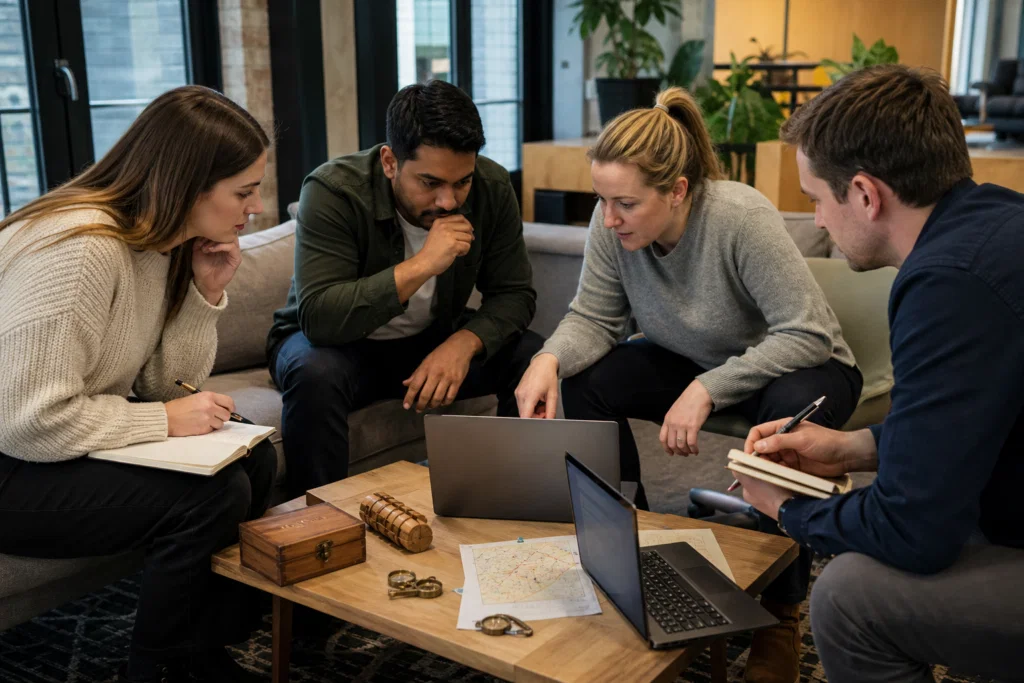
Need help choosing a remote format?
If your team would enjoy a hosted challenge but you are not sure whether to choose a quiz, mystery, escape room or creative session, NewWave Events can narrow the options around your group size and time slot.
Make participation easy, not compulsory-feeling
Remote teams include people with different home setups, working patterns, caring responsibilities, confidence levels and access needs. A team activity should not reward the loudest person on the call or the person with the quietest house.
Start by checking the basics. Is the activity within contracted hours? Does it clash with school pick-up, part-time days or common meeting-free blocks? Can people join from a shared office, a home desk or a smaller device if needed? Does the activity require cameras on, or can people contribute through chat, voting tools or team captains?
It also helps to avoid language that makes people feel trapped. Instead of saying attendance is compulsory because the company wants everyone to have fun, explain the purpose and make the session worth attending. For example, a new project team might be told: this is a short hosted session to help people learn how others communicate before the project starts.
Give managers a role, but not too much control. If a senior leader dominates the call, the activity can become another all-hands meeting. Ask managers to join as participants, encourage their team and model relaxed behaviour without turning the session into a performance measure.
Choose the right time, group size and pace
The format should fit the team diary. A 30-minute energiser can work well before a quarterly update. A 60-minute hosted challenge suits a lunchtime, late afternoon or away-day agenda. Anything longer needs a stronger reason, proper breaks and a clear finish time.
Group size matters too. Small teams can talk together more easily, but large departments need structure. Breakout rooms, rotating rounds and a visible host help prevent a 100-person online event from becoming a broadcast. If the group is very large, consider running several sessions by department, location or project team rather than trying to force everyone into one call.
Pace is often the difference between a natural event and a tiring one. Remote sessions need shorter explanations than in-person events, clear visual instructions and quick movement between tasks. They also need moments where people can think quietly, especially in puzzle or problem-solving formats.
If the activity forms part of a wider team day, plan the online session around the rest of the agenda. A remote escape room after four hours of presentations may feel like hard work. The same activity after a break, with teams already set up and a host ready to begin, can feel like a welcome change of energy.
Planning a remote session around a busy diary?
NewWave Events can help shape the timing, hosting plan and joining instructions so the activity fits around meetings rather than feeling like another one.
Plan around wellbeing, safety and boundaries
Remote events still sit within the working day, so the usual responsibilities do not disappear because people are at home. Employers have the same health and safety duties for home workers as for office-based staff, and the Health and Safety Executive points employers towards stress and mental health, display screen equipment and the working environment as areas to consider.
For team building, this translates into practical choices. Do not schedule activities outside normal hours unless there is a clear reason and people can opt in. Keep screen-based sessions focused and avoid running them back to back with long meetings. If kits are sent to homes, check dietary, allergy, accessibility and delivery details early, and avoid collecting more personal information than you need.
Remote team building should also respect privacy. A scavenger hunt can be designed so people find common objects without showing bedrooms, family members, personal documents or addresses. A cooking or tasting session can use a neutral camera angle. A host can remind the group that cameras are welcome but not always required.
When people trust the format, they are more likely to relax. That trust comes from clear joining instructions, sensible timings, good hosting and a session that does not blur the line between work connection and personal exposure.
When remote should become hybrid or in-person
Remote team building is useful, but it does not have to carry every part of your engagement plan. Some goals work better in person, especially when a team needs deeper relationship-building, leadership development, celebration or hands-on collaboration.
A practical approach is to use remote activity for regular connection and in-person events for moments that need more time together. For example, a remote quiz can keep a national team connected between quarterly meetings, while an annual away day gives people space for workshops, shared food, outdoor challenges or a celebration event.
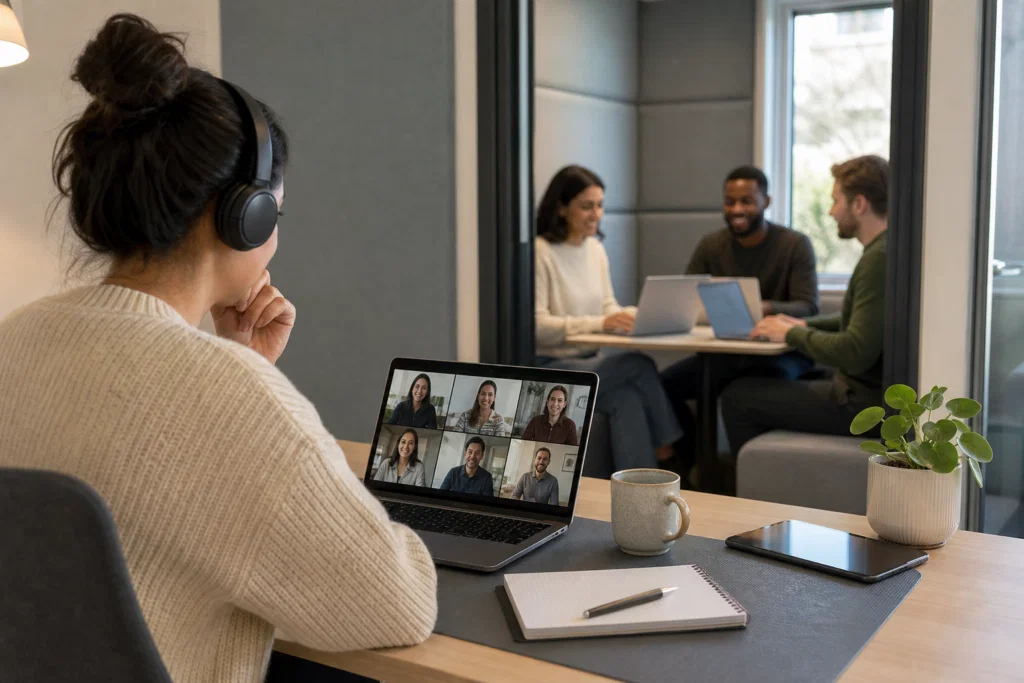
Hybrid teams need particular care. If some people are in a meeting room and others are on laptops, remote colleagues can easily feel like spectators. Either design the activity so everyone joins individually from their own device, or make the room and remote experience equally structured with a host, clear teams and shared scoring.
If you are planning a wider programme, it may help to compare remote options with team building activities that can be delivered face to face across the UK. For teams reviewing morale, retention or communication, the event should also connect to the wider staff engagement strategy, rather than sitting as a one-off calendar invite.
A simple way to plan remote team building
Use this planning sequence before choosing an activity. It keeps the event focused and helps avoid the familiar problem of booking something fun that does not suit the team.
Define the reason
Decide whether the session is for onboarding, morale, celebration, collaboration or regular contact. The activity should serve that purpose.
Map the audience
Check group size, time zones, working patterns, accessibility needs and whether people will join from home, the office or both.
Choose the format
Match the activity to the energy you need. Fast quiz formats suit a light social, while escape rooms and challenges suit problem-solving.
Brief the host
Give the host the team context, timings, sensitivities and desired tone. A well-briefed host can make the session feel relaxed without losing structure.
Follow up lightly
Share results, photos if appropriate and any next steps. Avoid turning feedback into a long survey unless the event is part of a wider programme.
Plan remote team building that people want to join
NewWave Events designs and delivers team building activities and corporate events for UK teams, including remote, hybrid and in-person formats. If you know the outcome you want but not the best activity, we can help you shape the session, timings and hosting so it feels right for your people.